SDK DEVELOPMENT
Flutter SDK Development: screenshots + shake trigger in practice
April 22, 2026 • 6 min read • Fluister Team
In this sprint, we expanded the Flutter SDK with two features that directly improve bug report quality: screenshot support and a shake trigger. Goal: fewer vague reports, more context, faster triage.
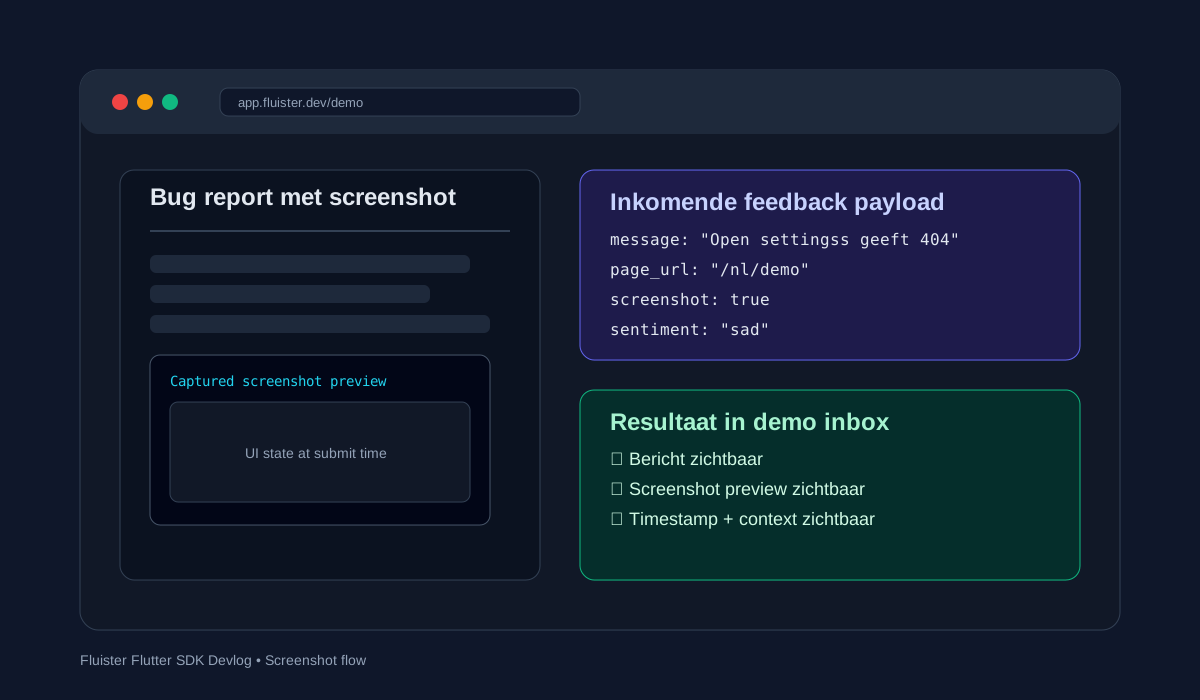
1) Screenshots in the feedback flow
Text alone is often not enough. With screenshots, we immediately see what the user saw at submit time. In the SDK, screenshot stays optional, with compact upload and immediate preview in the inbox.
2) Shake trigger for faster QA
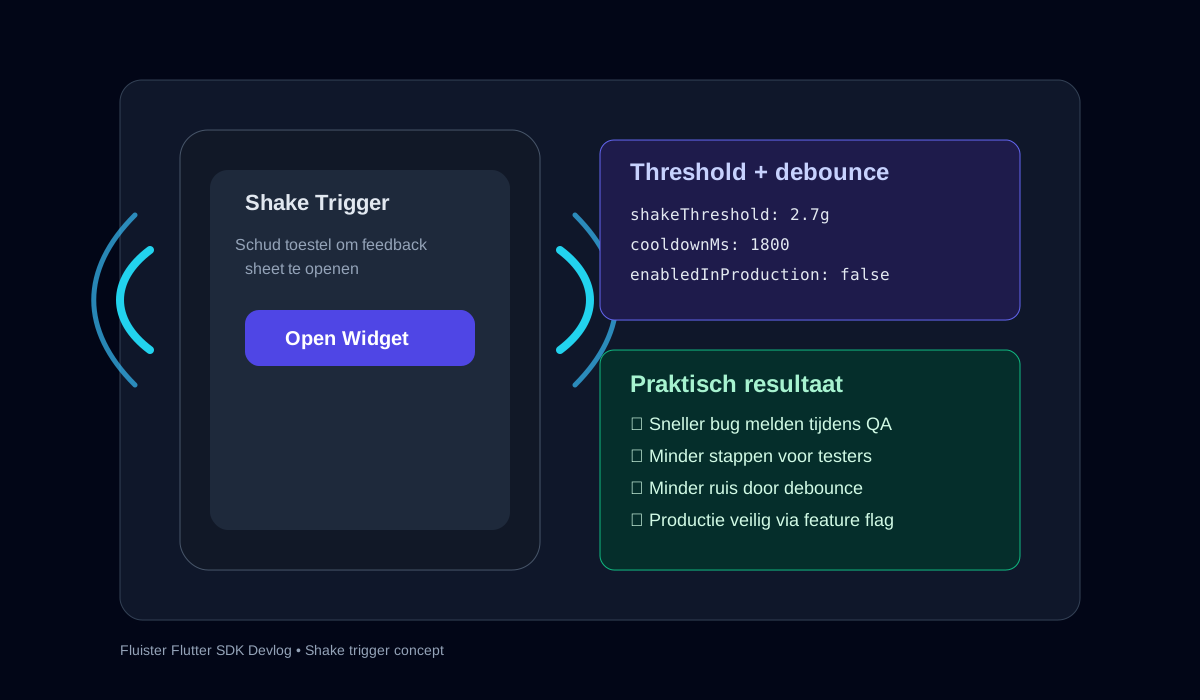
During testing, you do not want to navigate through menus. With shake trigger, the feedback sheet opens instantly. We added threshold + debounce to reduce false positives. In production, this stays controlled via feature flags.
What this improves
- More actionable bug reports with visual evidence
- Faster feedback loop during internal QA
- Less time spent on clarification roundtrips
Next step
The next iteration is smart context pre-fill (screen route, app version, device hints) so every report becomes even easier to triage.
Want to experience this yourself?